メインコンテンツへスキップ
How to stream to Amazon IVS.
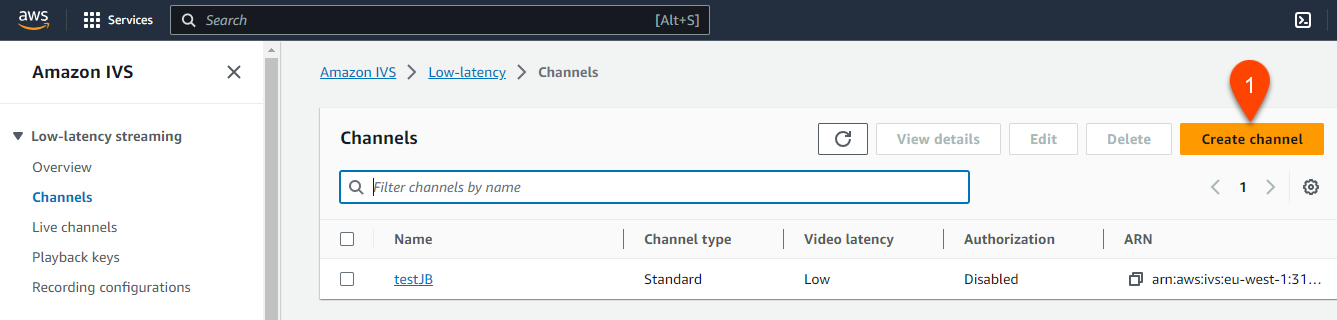
- Go to Amazon IVS and create a channel (1).
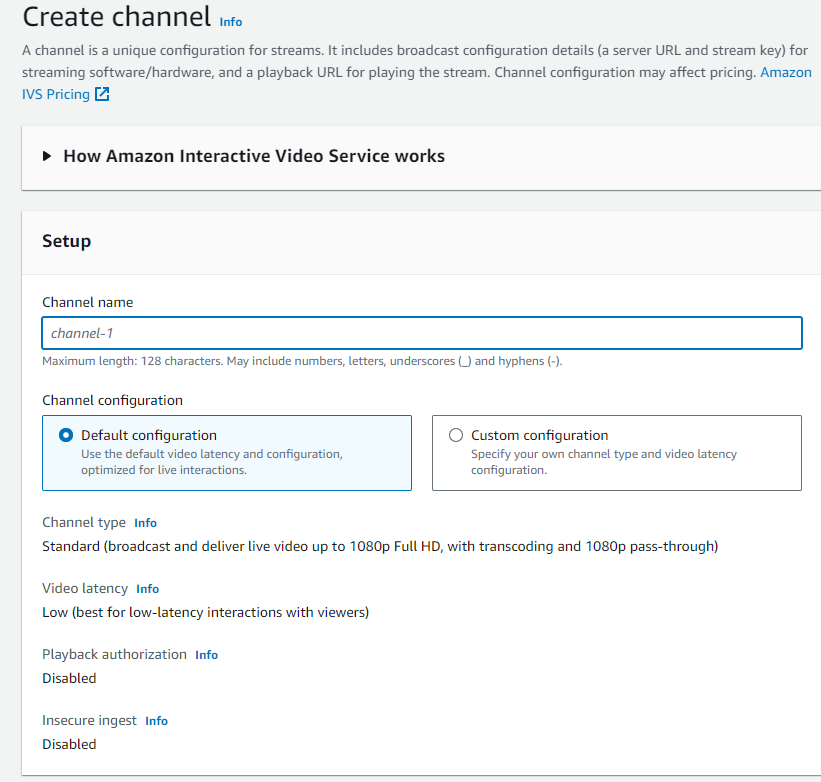
- Keep everything by default and save it.
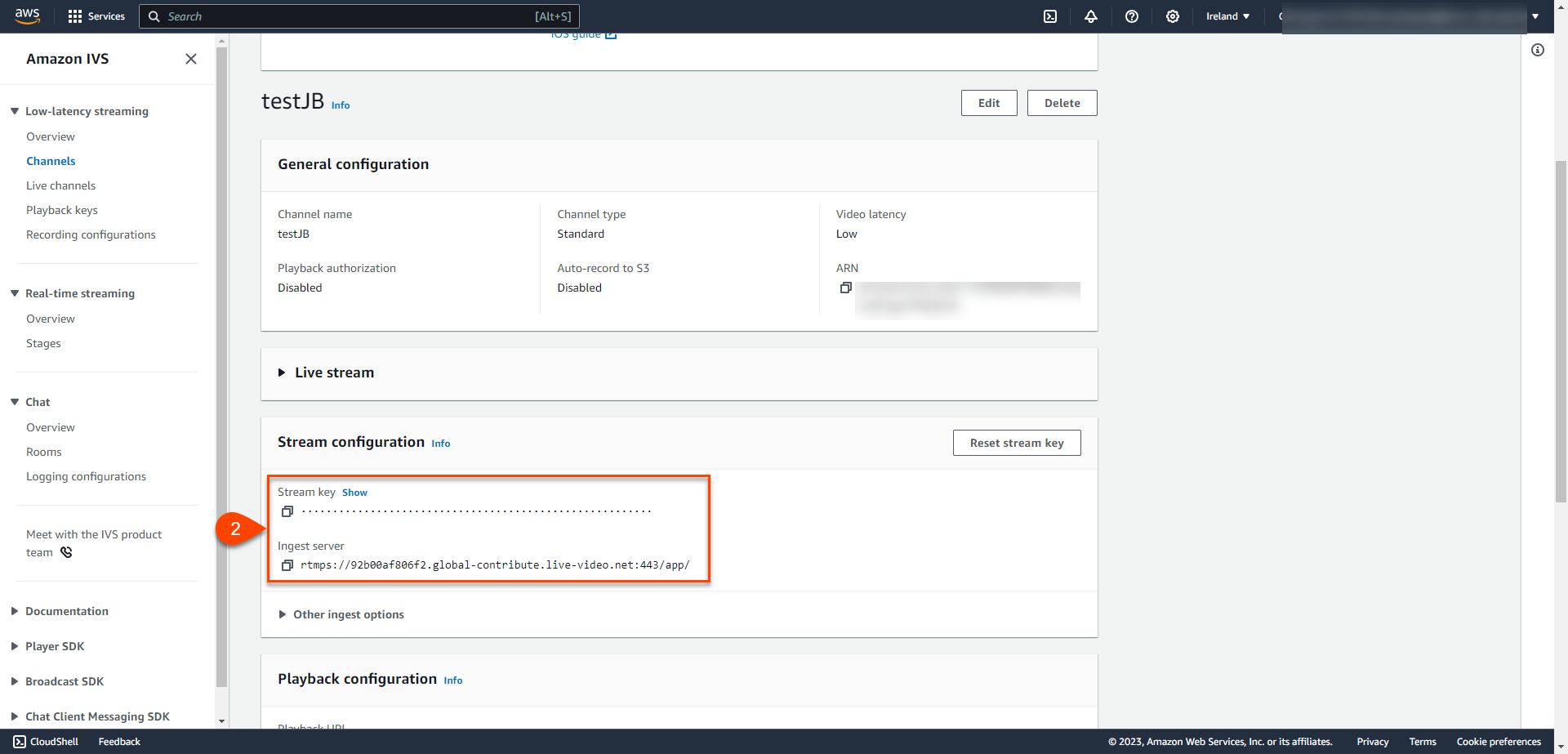
- Open you Channel and copy the provided "Ingest server" and "Stream Key" (2).
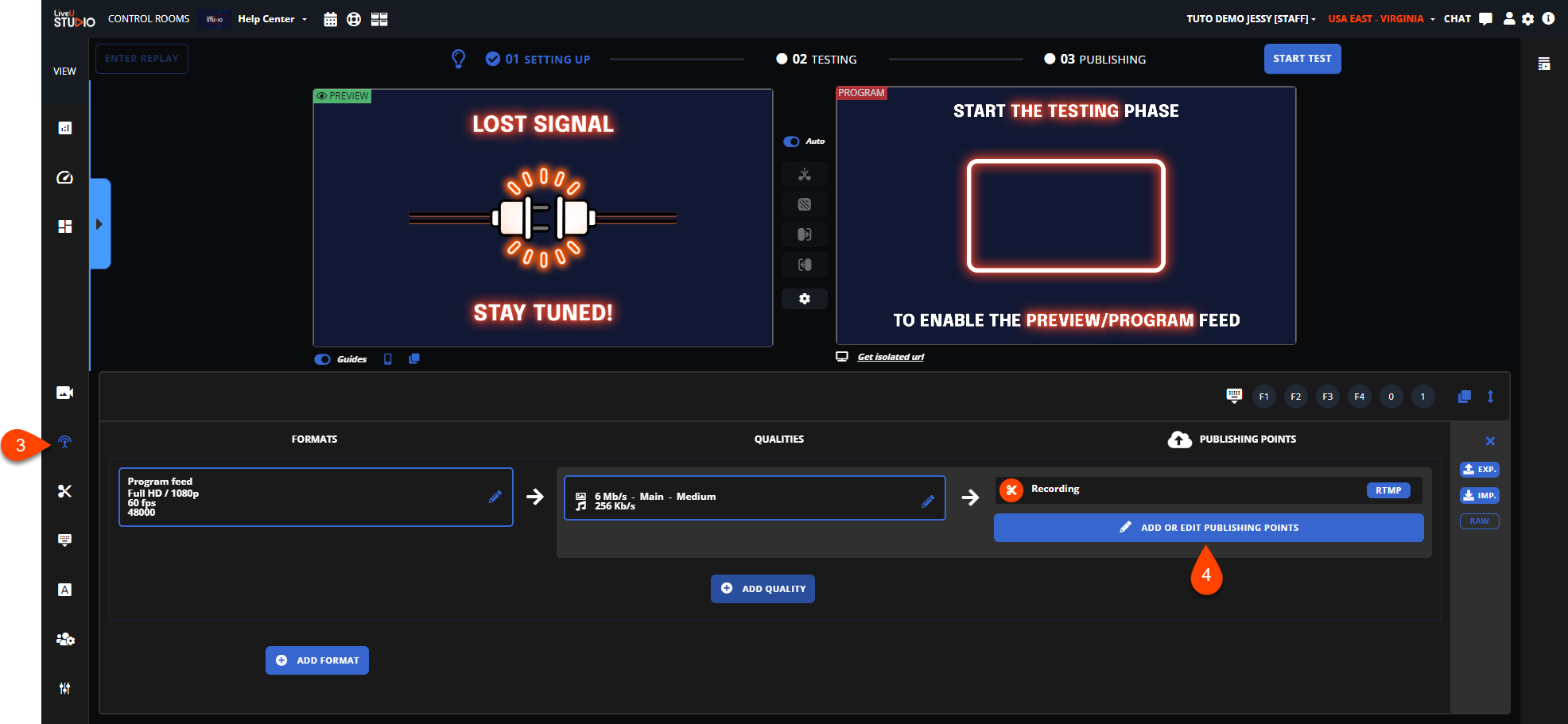
- Open LiveU Studio -> Publish section (3).
- Add a new RTMP/RTMPS publishing point (4).
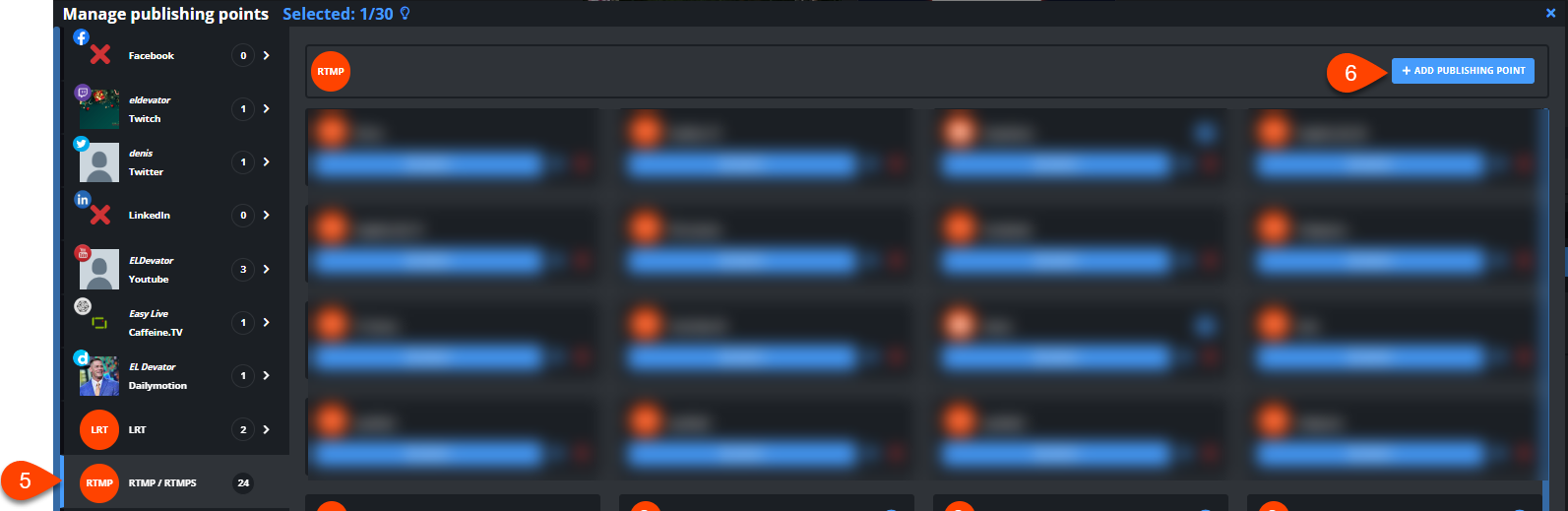
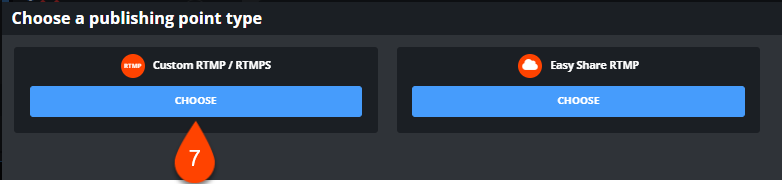
- Select RTMP (5) -> Add publishing point (6) -> Custom RTMP (7).
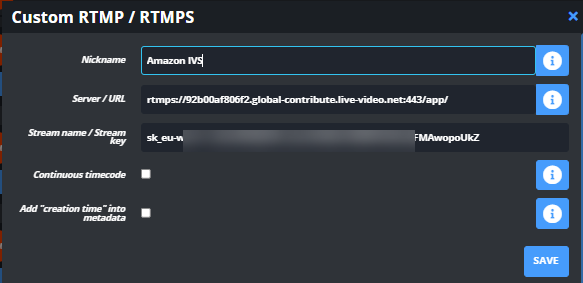
- Paste the information provided by AWS IVS earlier.
- Select the publishing point.
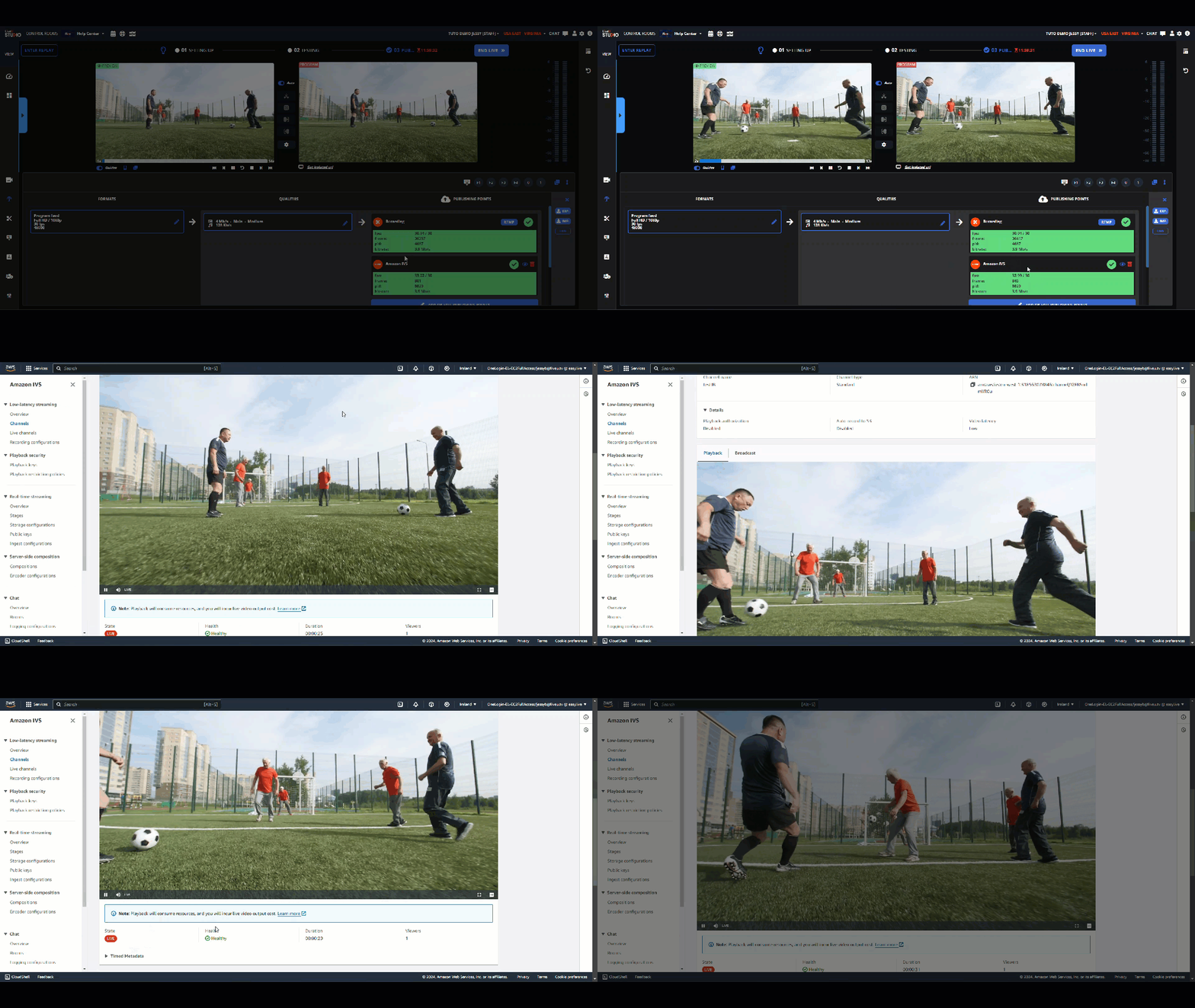
- When ready to go live, start Testing -> then Publishing & record.